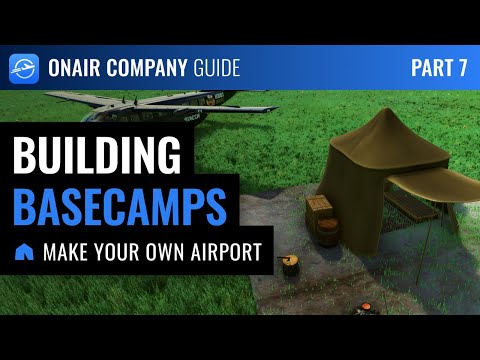
The Industries expansion introduces Basecamps: custom, player-placed airstrips anywhere in the world, even where no official airport exists.
¶ 🧭 Basecamp Features
Even without a factory, a Basecamp offers:
- Acts as an airport
- You can load and unload cargo and passengers
- Persistent and shared between all players in the same world
- Generates jobs like a size 0 airport
- Visible as a 3D model in MSFS for all onair players using the sim
- 2 basecamps allowed per company level
- Must be deployed at least 3 NM from any airport or other basecamp
- No recurring fees
- Basecamps without factories or activity for 4 weeks may be cleaned up automatically
Basecamps are visible to all players and appear on OnAir maps.
¶ 🏕️ How to Deploy a Basecamp
-
Go to
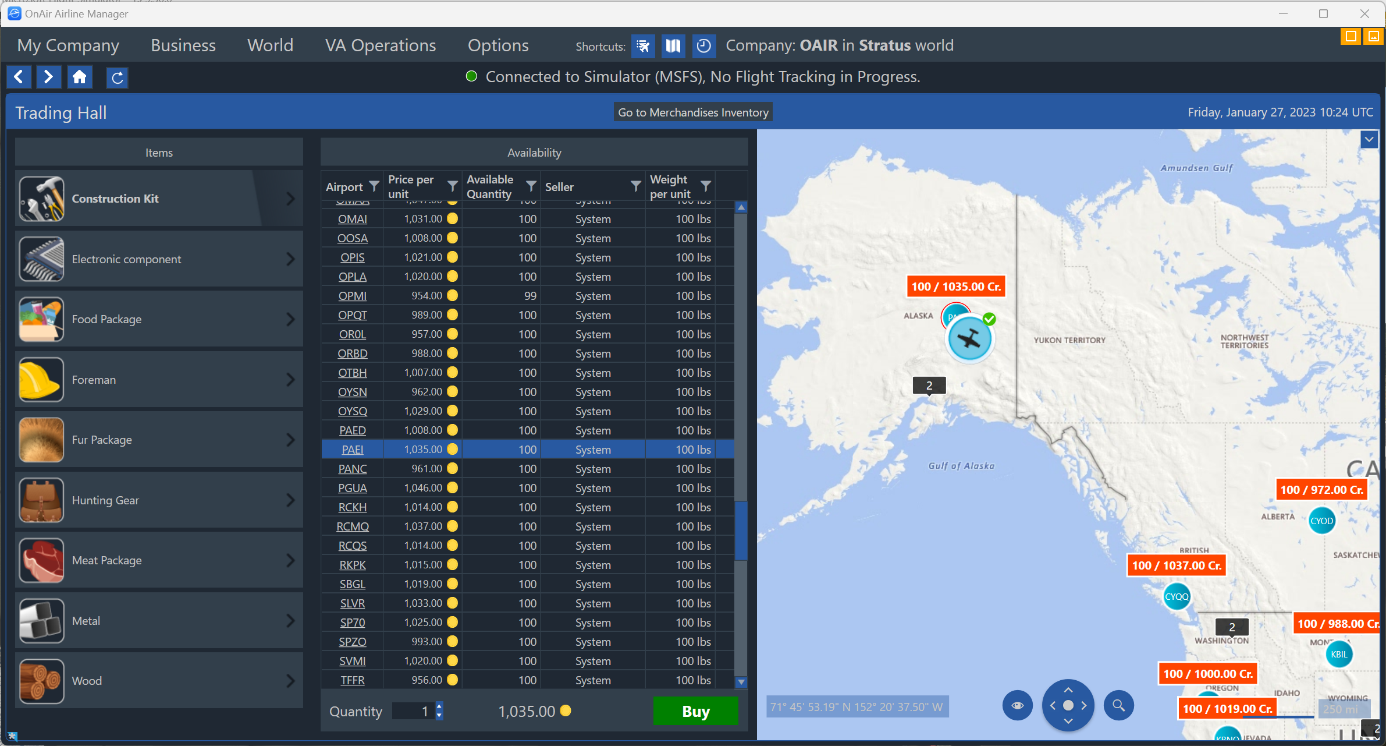
Business → Industries → Trading Hall -
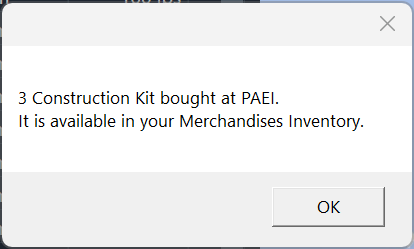
Buy one or more Basecamp Construction Kits at any airport selling them
-
Your Construction Kits appear in Goods Inventory
(Business → Industries → Goods Inventory)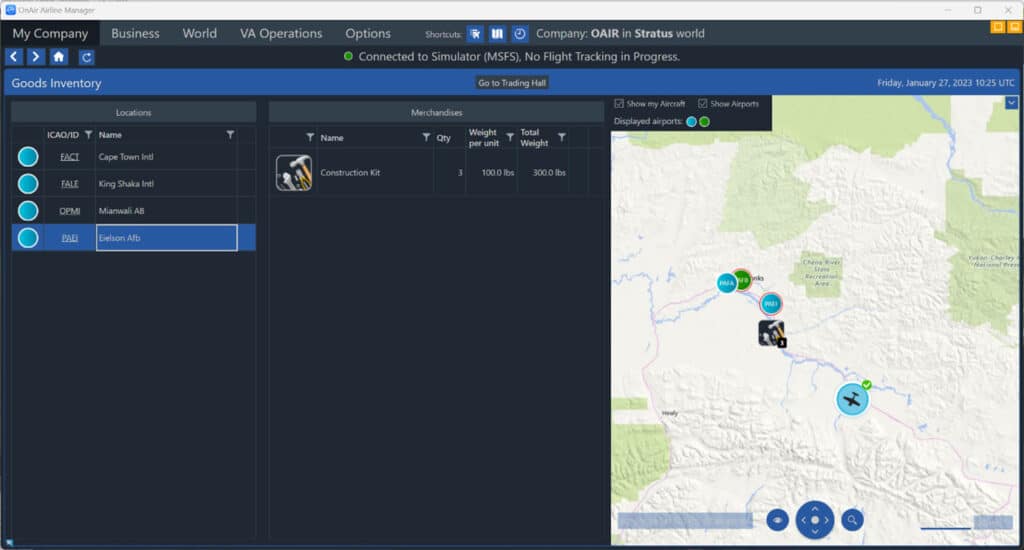
-
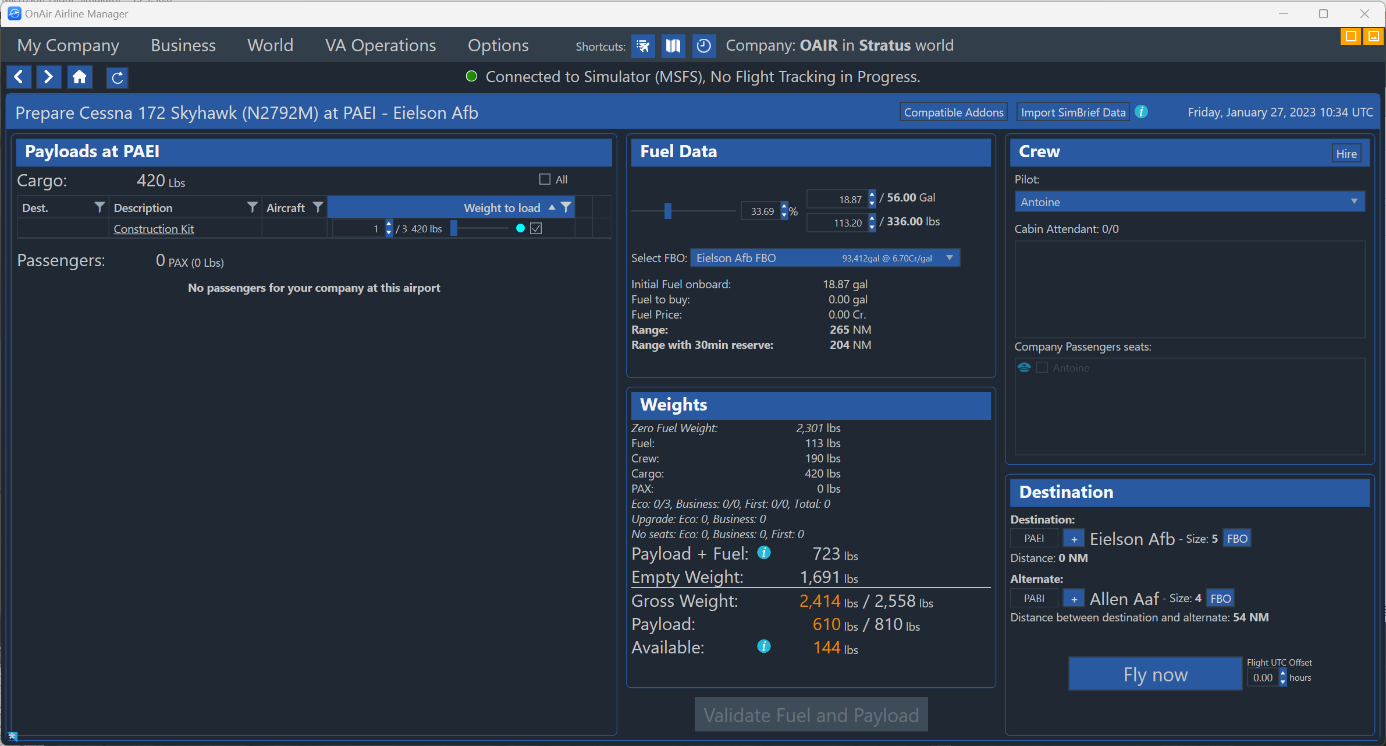
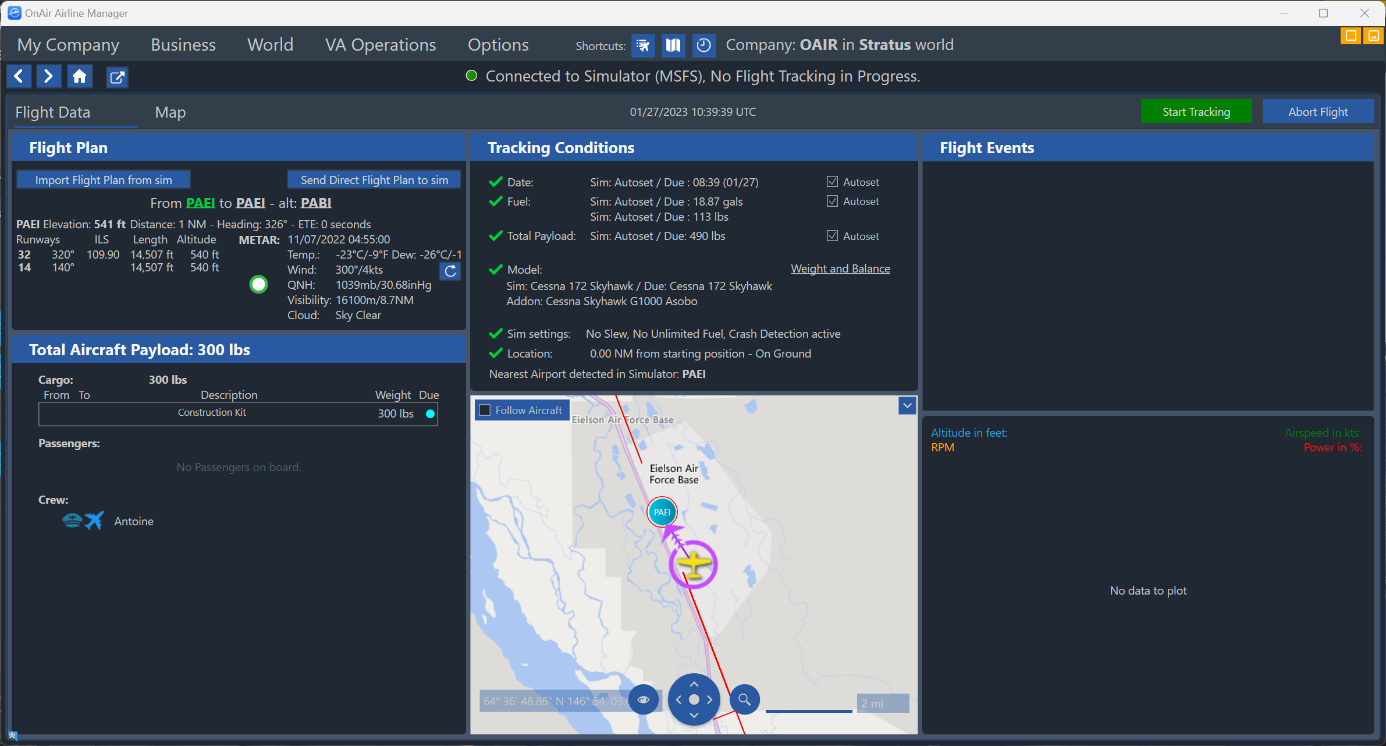
Load the Construction Kits into an aircraft as normal cargo
-
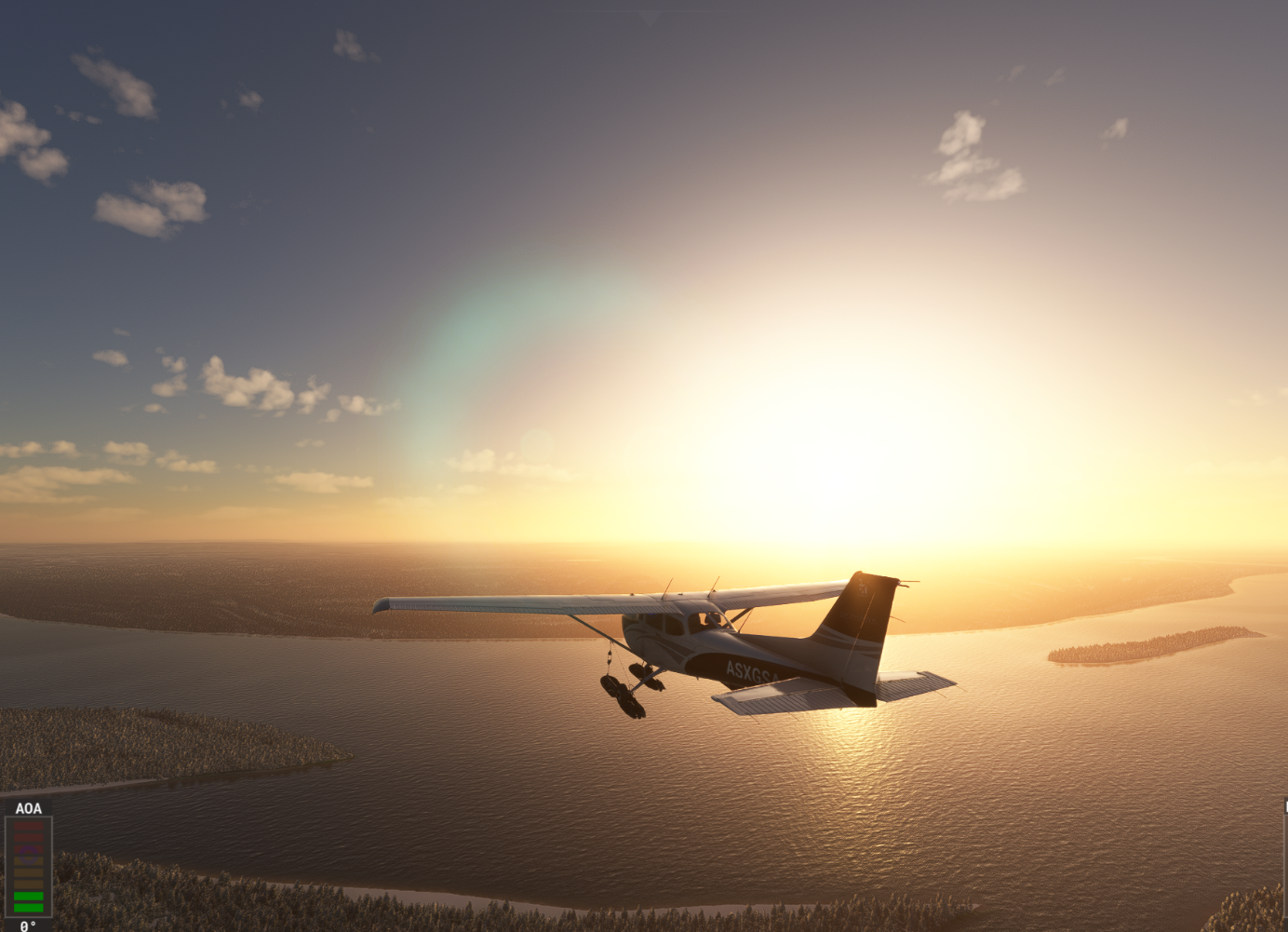
Fly to the intended basecamp location
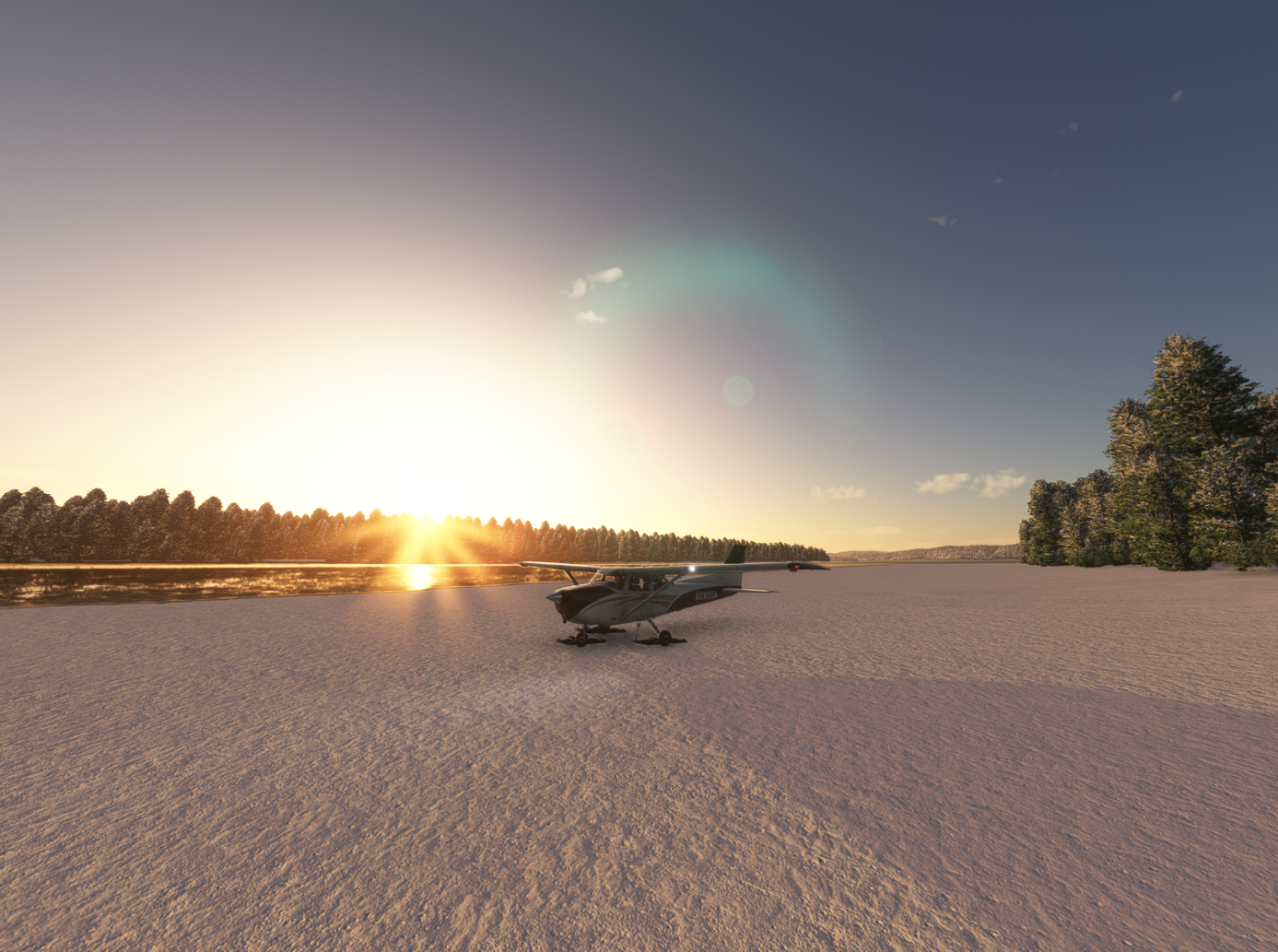
- Any safe place where you can land: river banks, fields, salt lakes, etc.
-
Land and shut down your engines to register the flight
-
On the flight summary page, click Deploy Basecamp
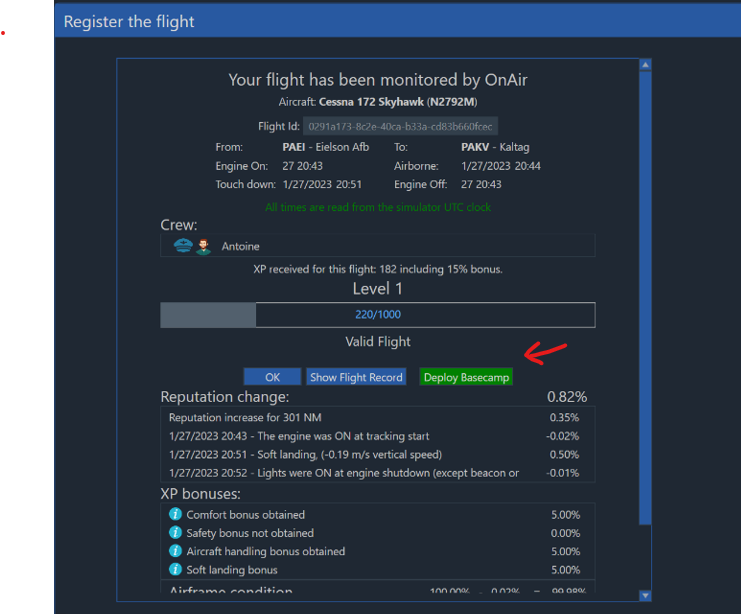
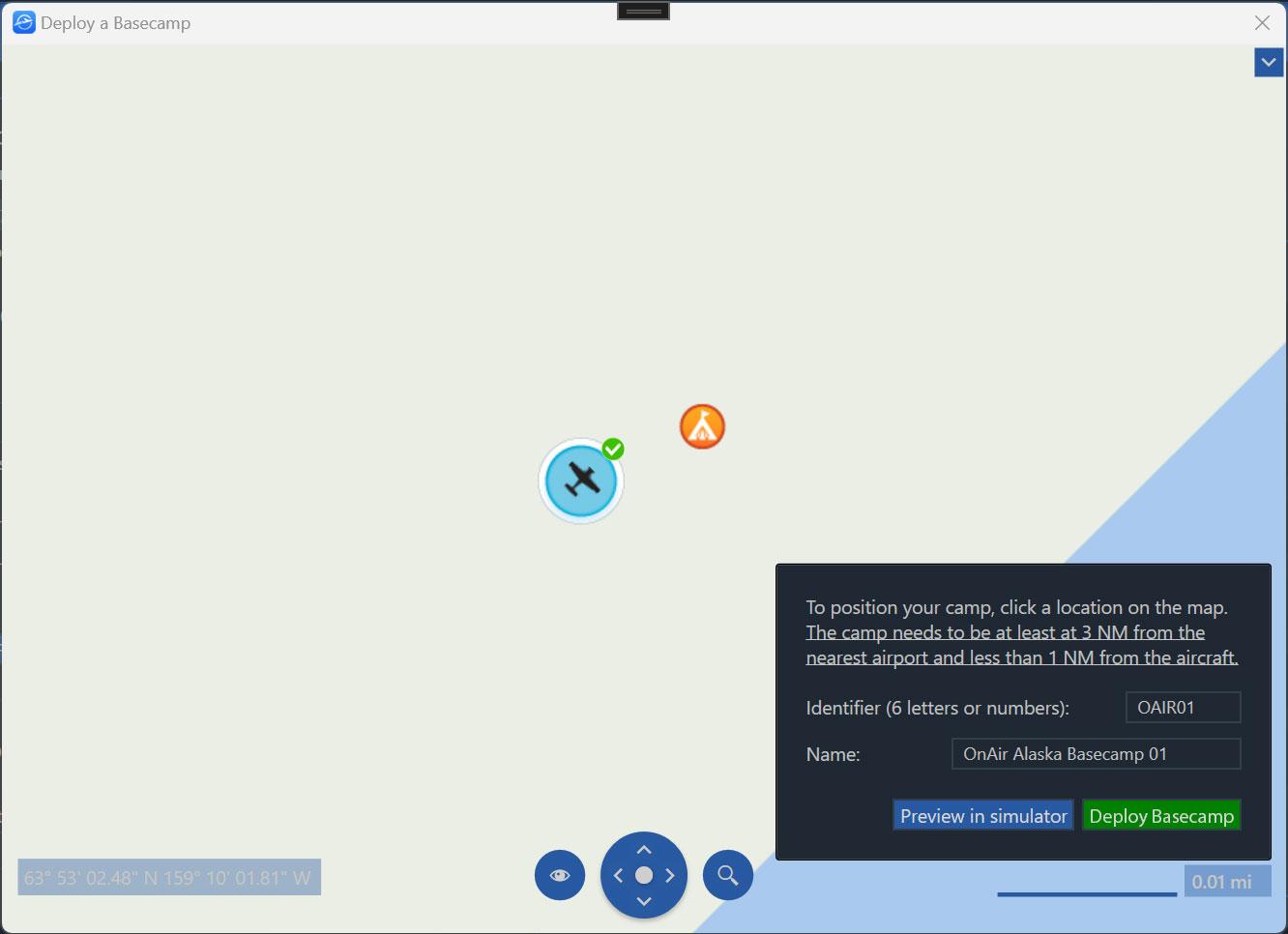
You must be at least 3 NM away from any airport or existing basecamp.
Before deploying, you may position the basecamp on the map and use the Preview in Sim button to display a 3D preview directly in your simulator.
You can also enter:
- A Basecamp Identifier (6 letters and/or numbers)
- A Name for your basecamp
These will be used to reference the basecamp in the map, airport list, and future factory operations.
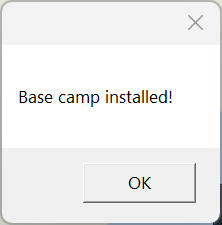
Once everything is correct, click Deploy Basecamp to finalize the creation.
¶ 🗺️ Using Your Basecamp
Once deployed:
- The basecamp appears on OnAir maps
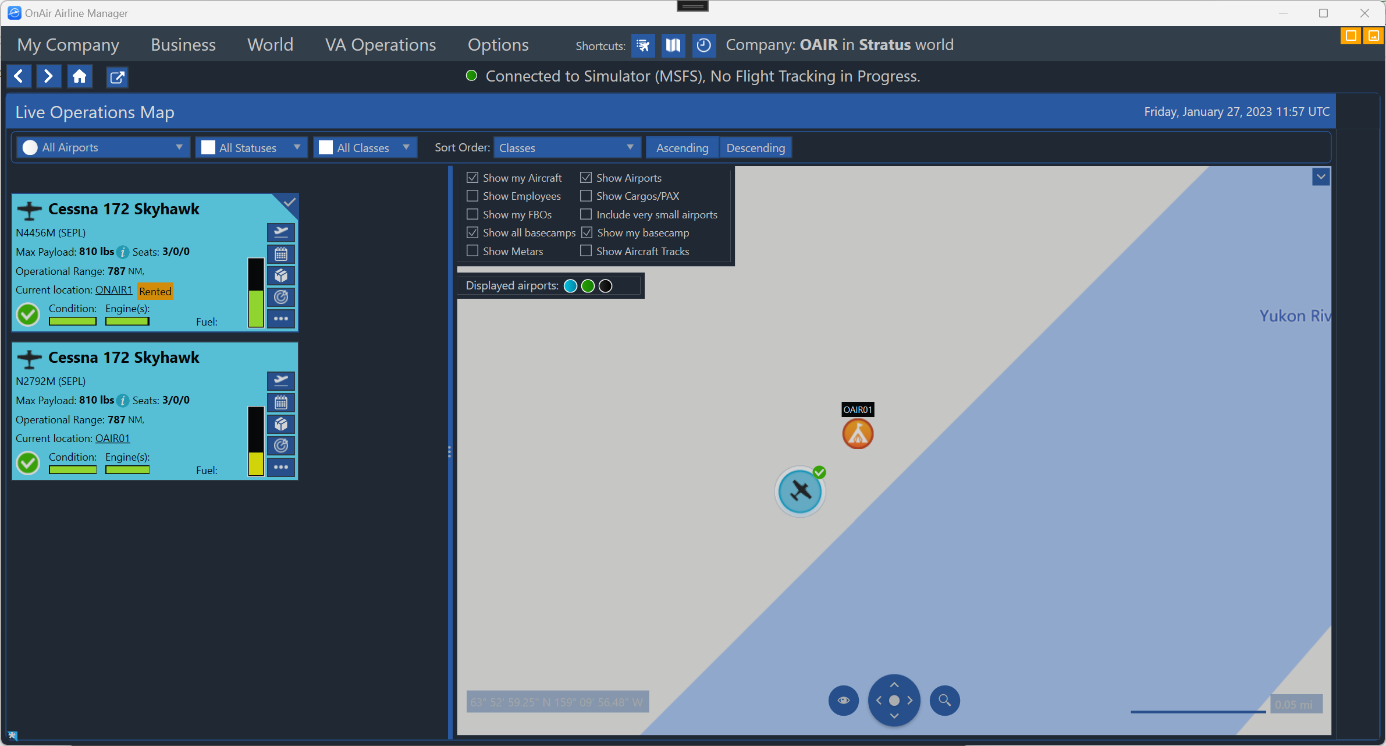
You can use the "Position plane in simulator" button to position the aircraft when you start a flight from your Basecamp.
A 3D model is displayed in MSFS:
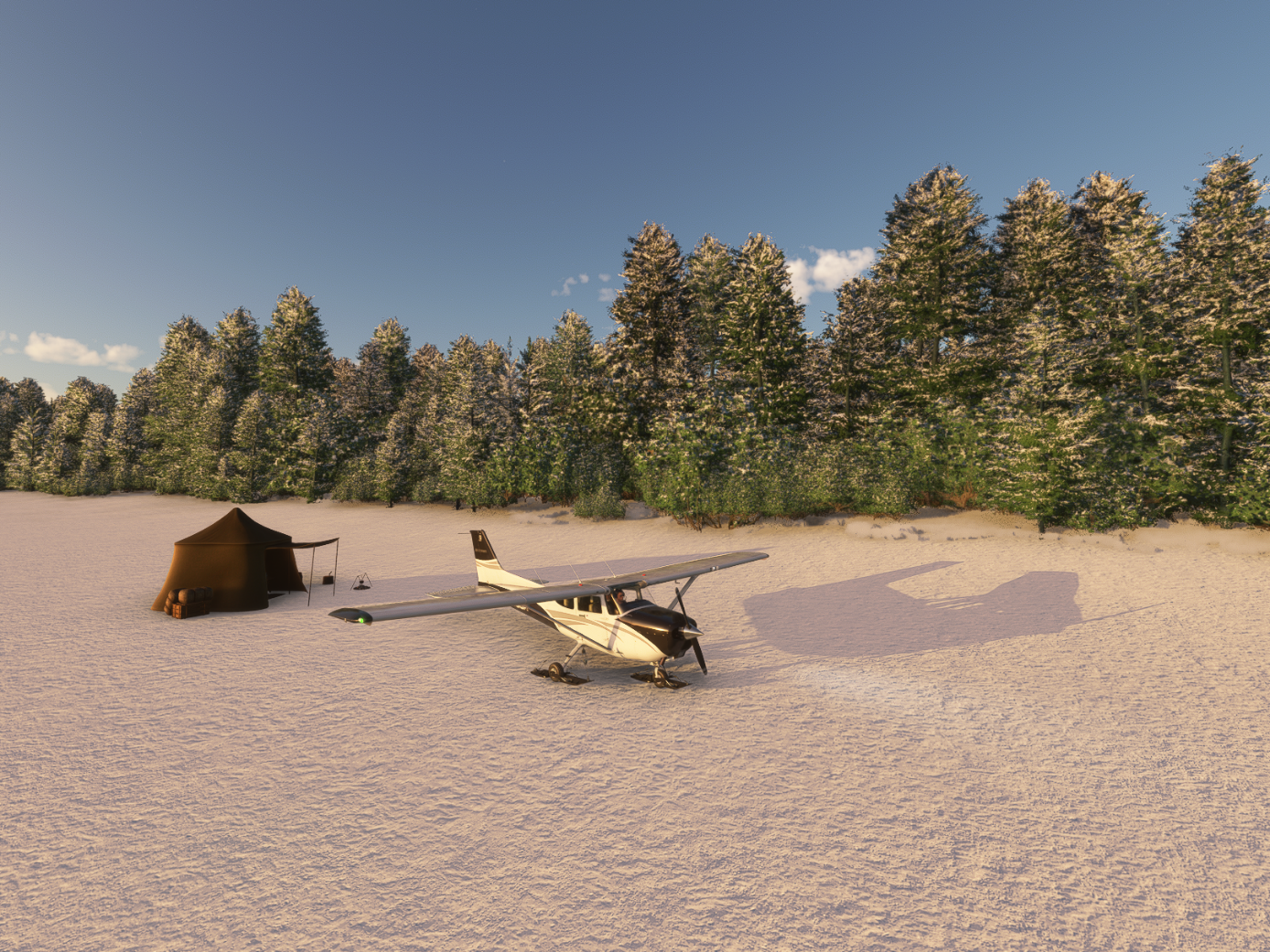
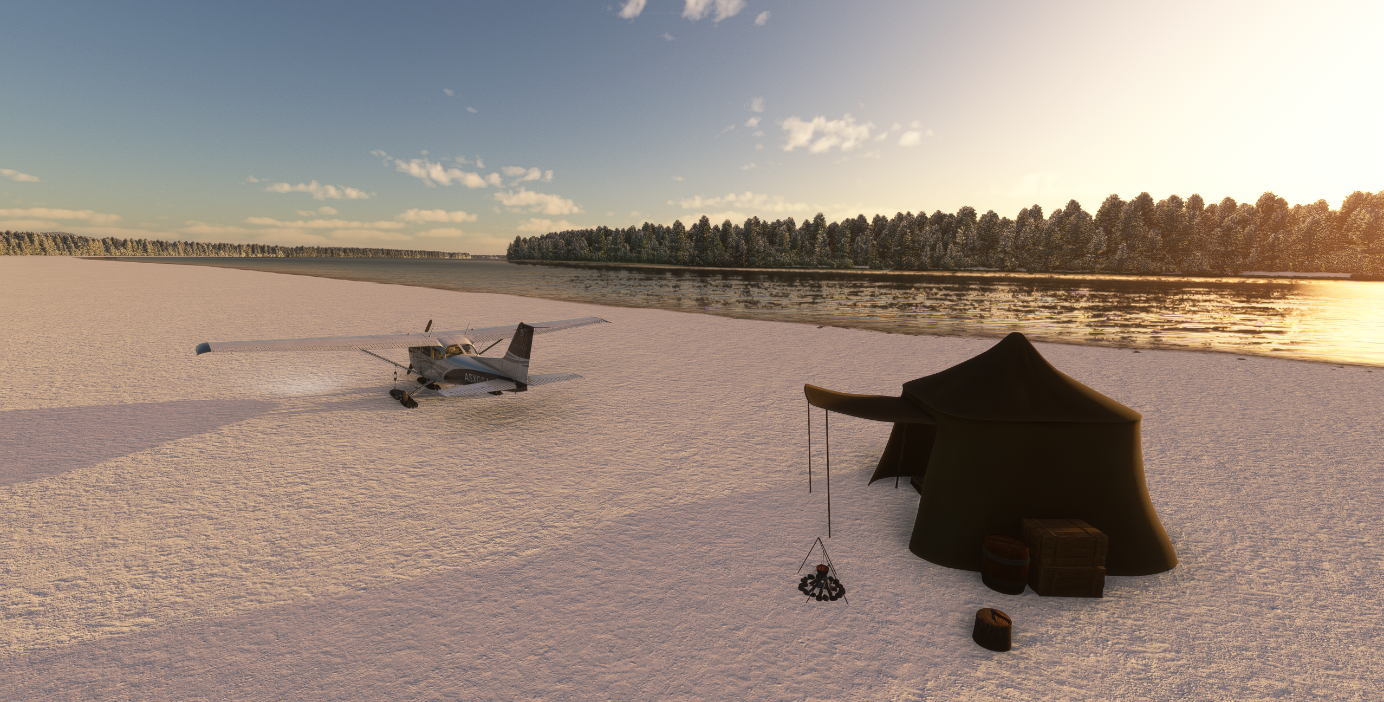
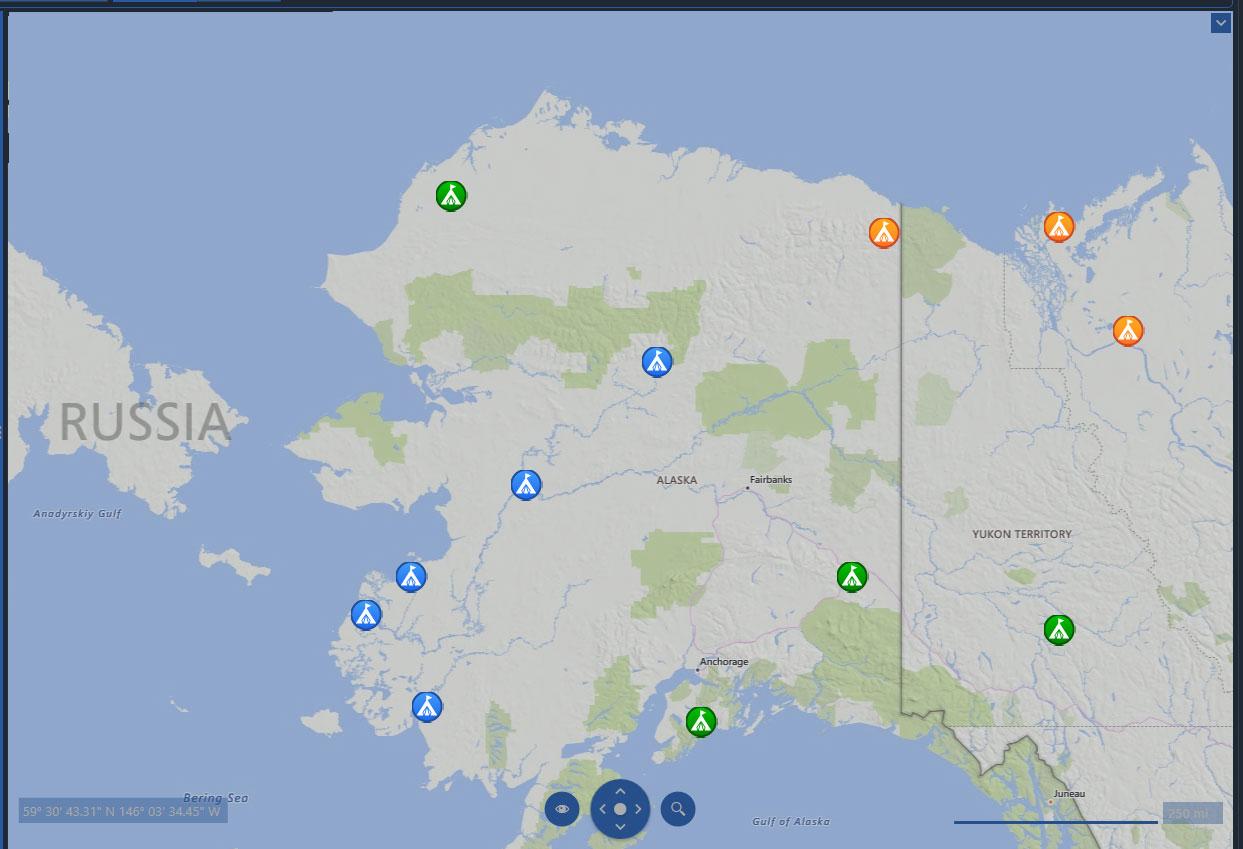
Basecamps from all players in the same world are displayed on the maps.
On the map, each basecamp appears with a specific color so you can easily identify ownership:
-
Blue — Basecamps belonging to other players
-
Green — Basecamps owned by a Virtual Airline (VA)
-
Orange — Basecamps belonging to you personally
-
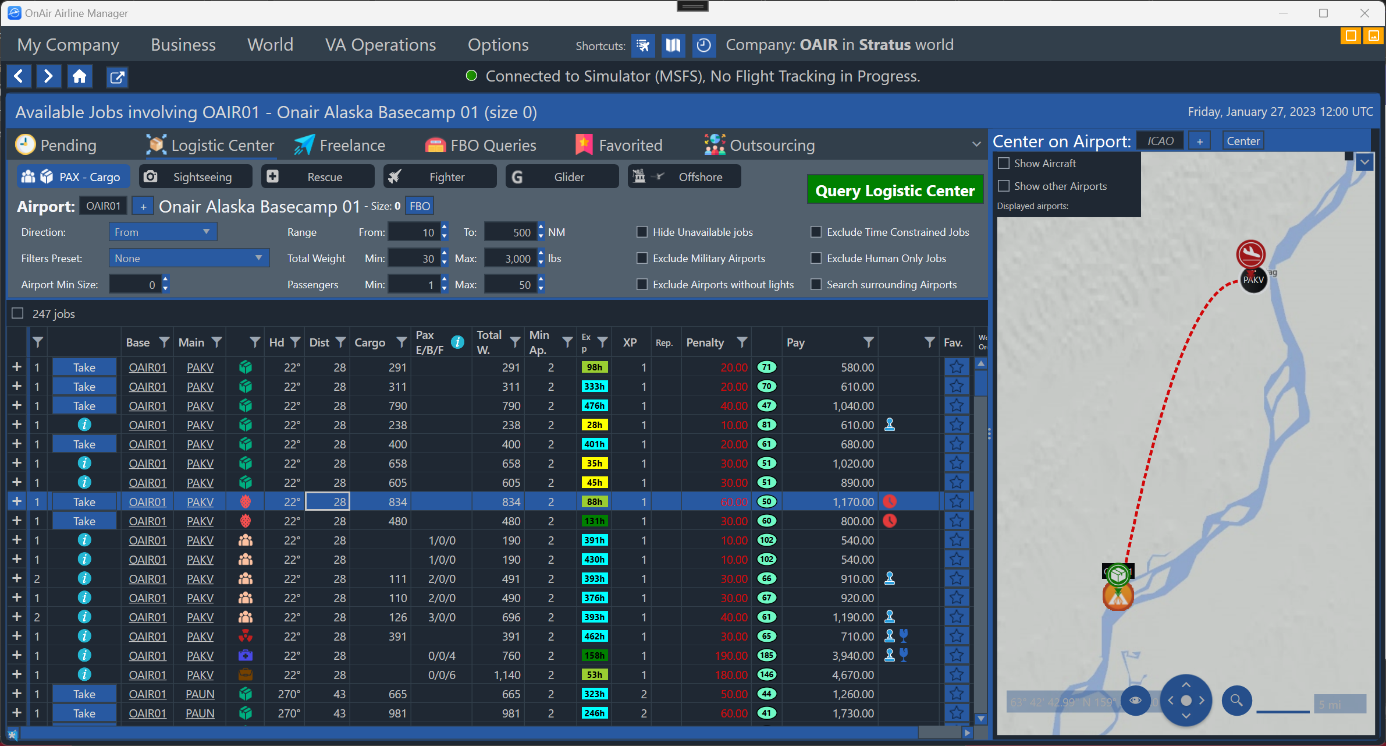
Your basecamp generates jobs like any small airstrip
¶ 🧱 Basecamps and Factories
Basecamps play a crucial role in the Industries system:
- They allow you to build factories in remote, highly efficient locations
- Some production chains (e.g., Hunting Camp) work best when far from large airports
- They are often the ideal anchor points for Mining Facilities and resource extraction
For more details: