¶ Creating your first factory
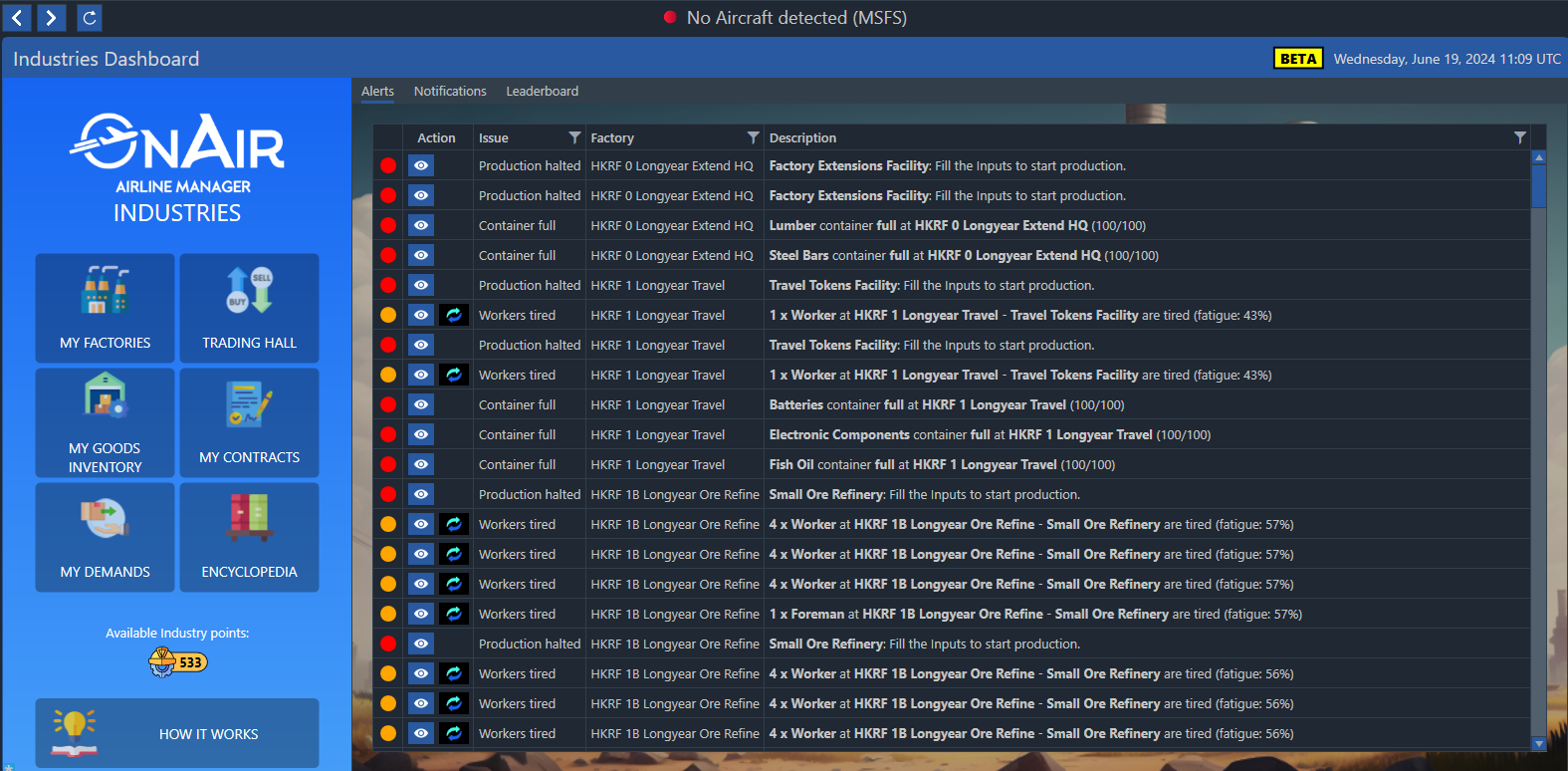
To create a new factory, Select an Airport or a Basecamp click on the “Create new Factory” button in the Industries Dashboard:
This first iteration of factories includes a Hunting Camp, a Meat Smoker and a Tannery.
The hunting camp global efficiency is directly related to the distance from the nearest established airports, so it’s better to build them at an isolated basecamp instead of an airport, but some small and remote existing airports are also potentially a good place for Hunting camps to be deployed.
When your factory is created, a blank area with no production zone is displayed.
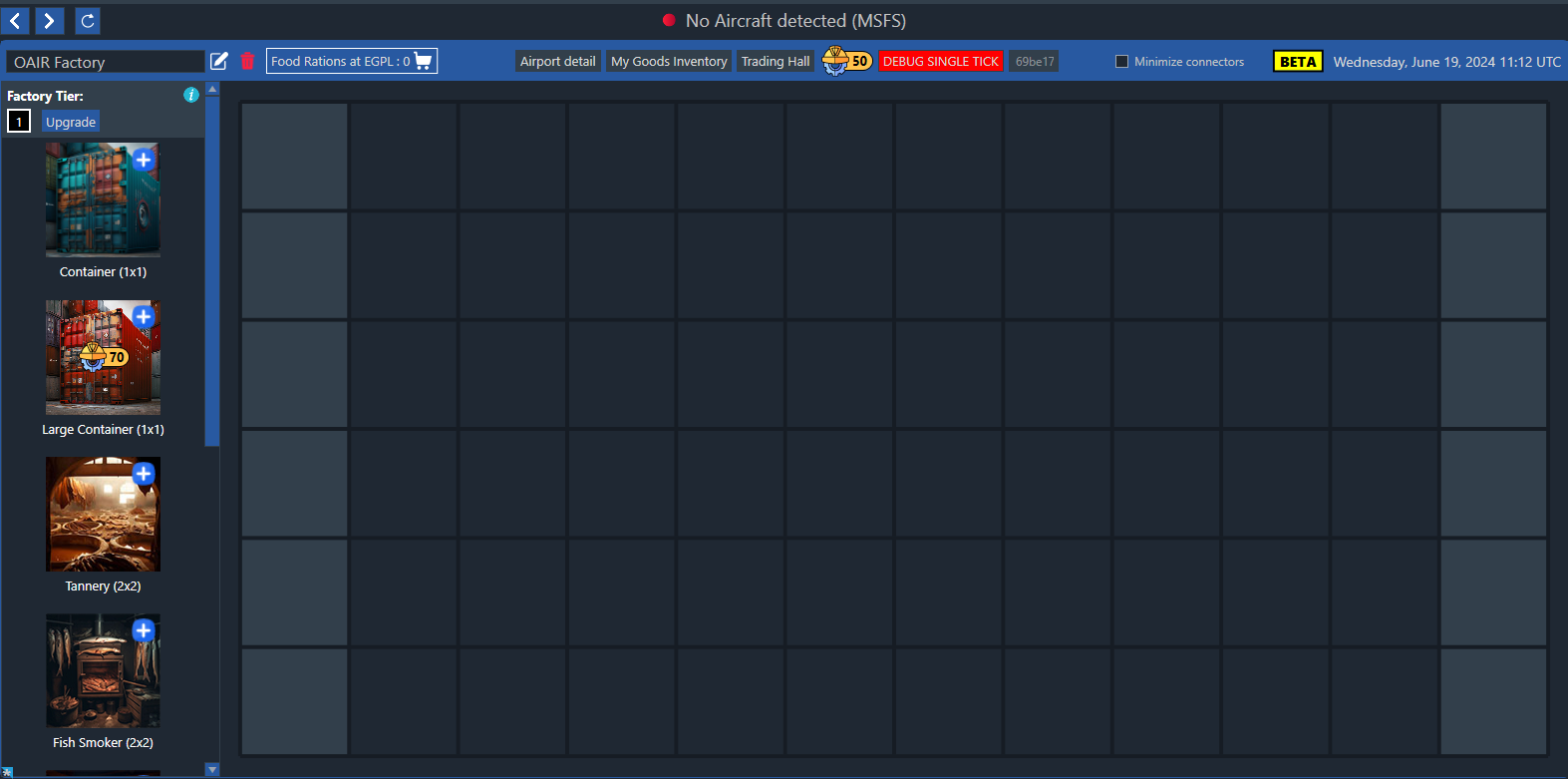
The only item currently present in the factory is the Food container at the top left, used to store food for all staff (workers, hunters, …). This special container cannot be moved or removed.
In the left column, all the items you can add to your factory are listed. To add an item, click on its icon; a draft of the element will be placed at the first available space in your factory.
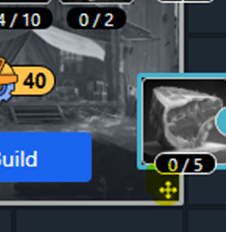
Use the move button at the right bottom of the new element to place it where you wish. The item can be rearranged later at any time without any cost or delay.
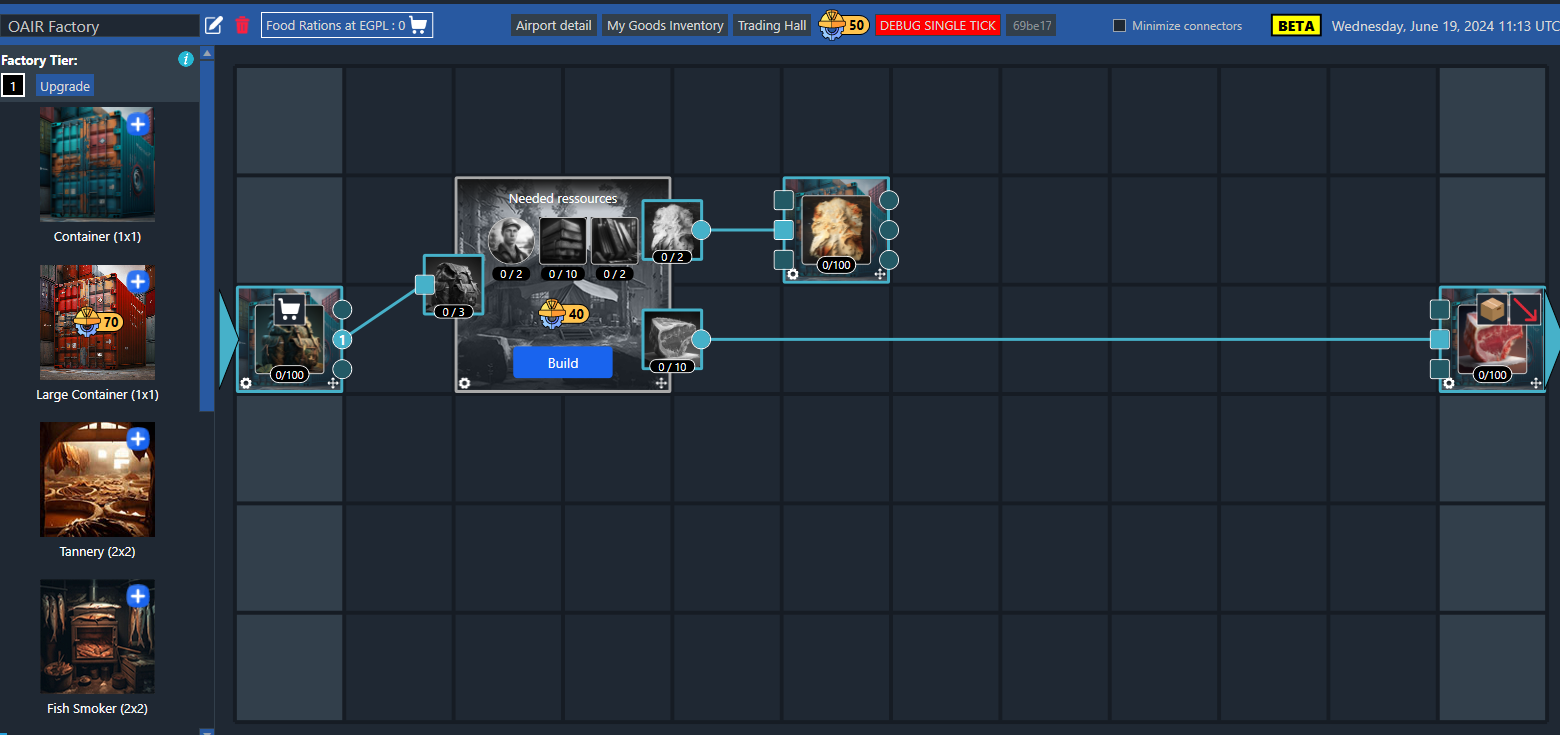
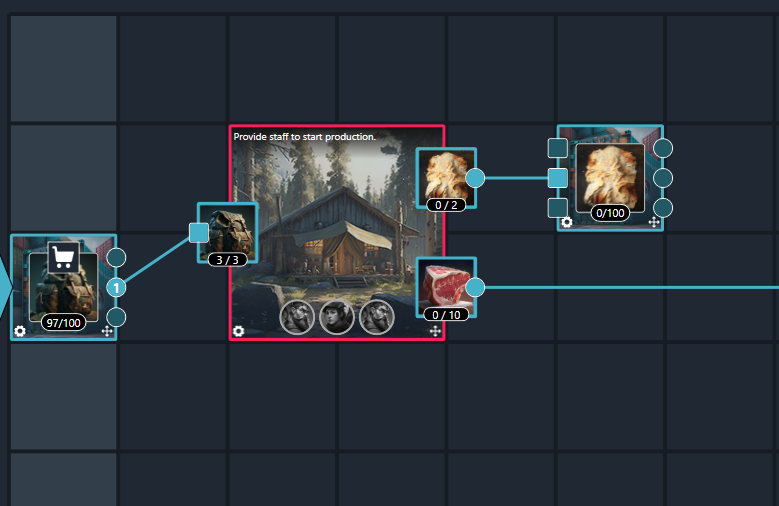
Here we have placed some containers along with the Hunting Camp itself:
¶ Container settings
Containers placed in the left section are Input Containers. All containers in this section are automatically filled with trading goods that have been unloaded at the factory’s Airport or Basecamp. Containers in the right section are Output Containers and can have 6 modes.
¶ Storage
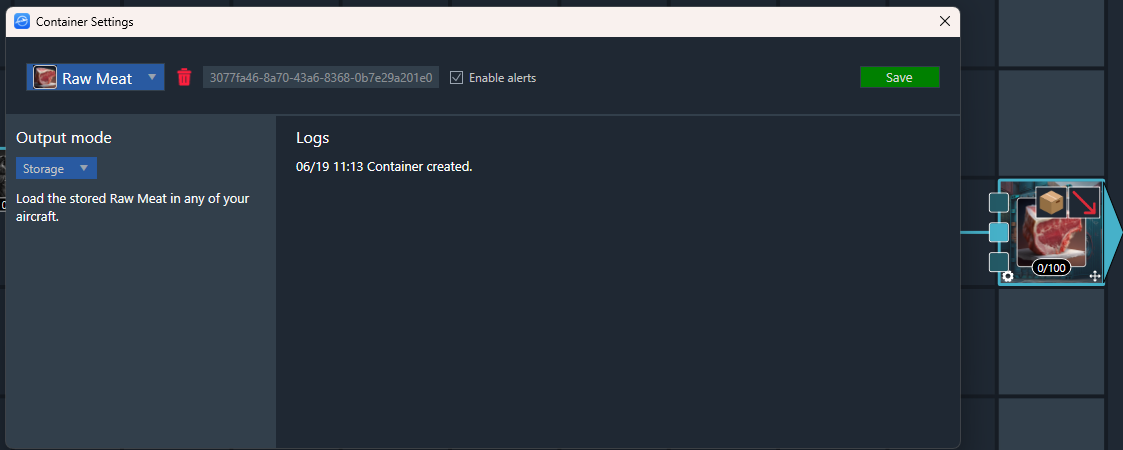
Items placed here can be collected with any of your aircraft for transport to another location.
¶ Truck/Boat Transport
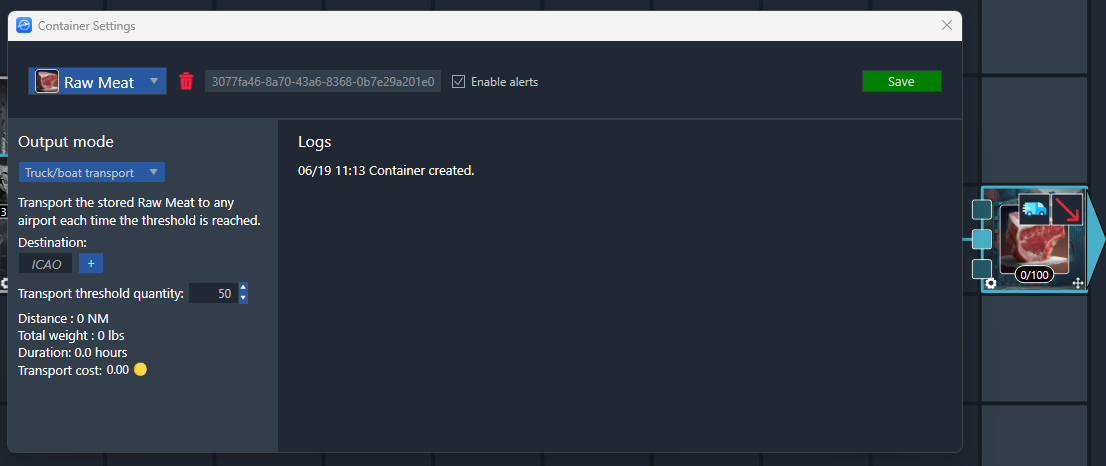
Goods deposited here can be transported by alternative logistics, e.g. truck/boat/train, to another airport. These kinds of transportation will happen automatically in the background over time.
¶ Trading Hall
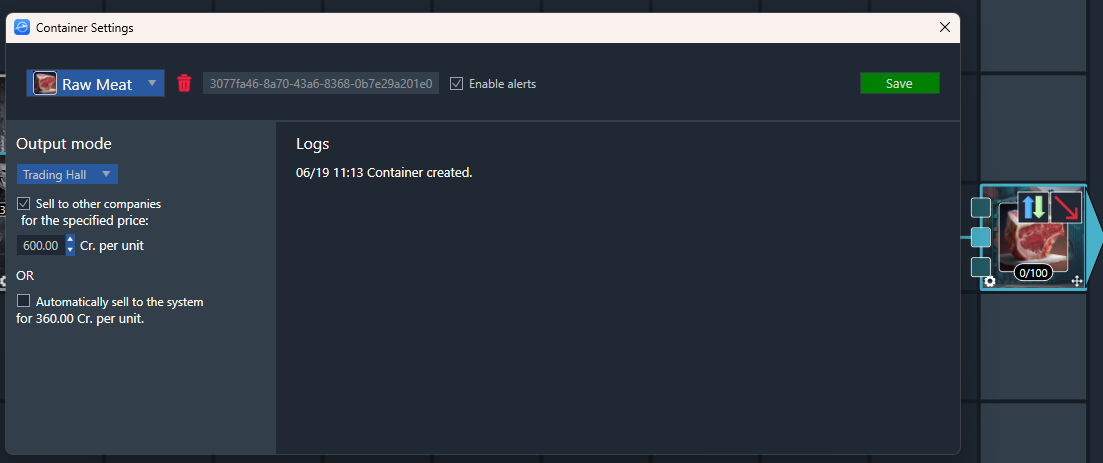
This mode allows you to sell the goods via the Trading Hall. The goods will appear as a supply item at the same Airport or Basecamp as the factory.
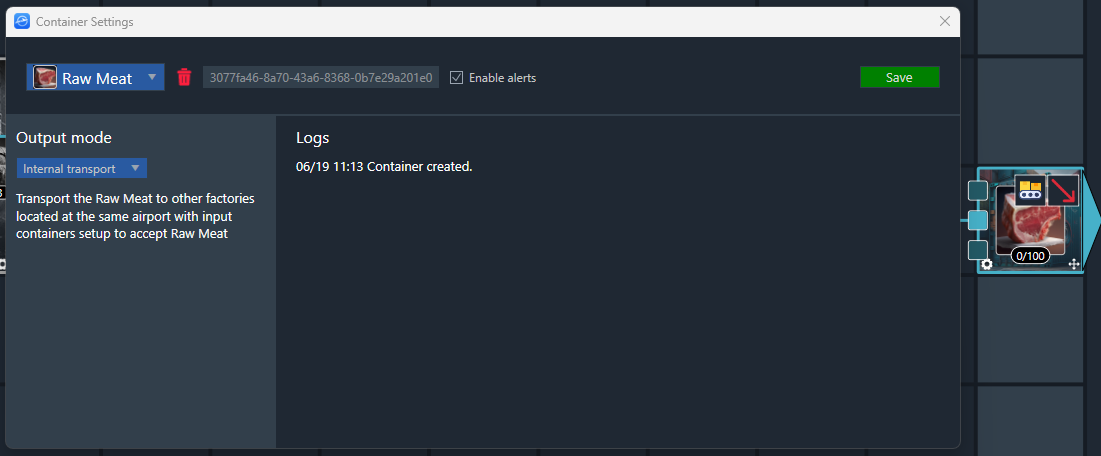
¶ Internal Transport
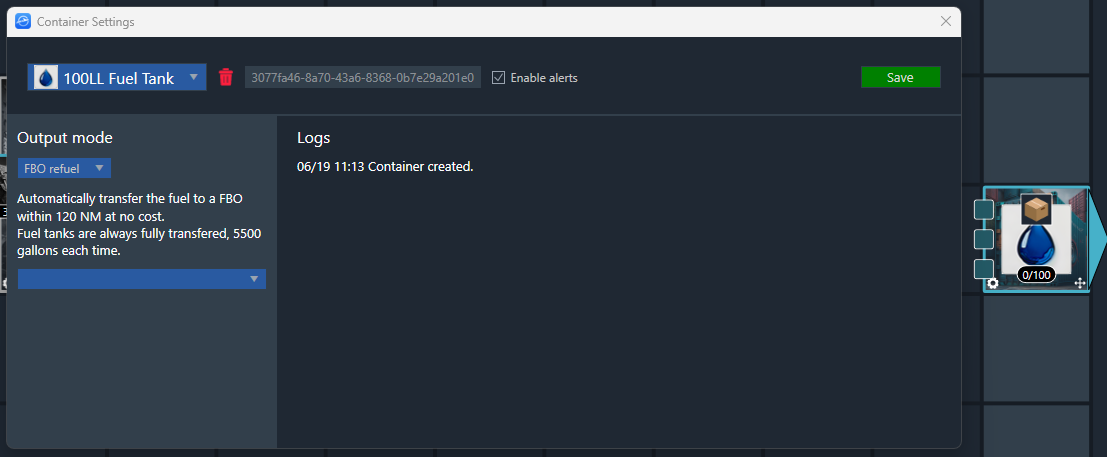
¶ FBO Refuel
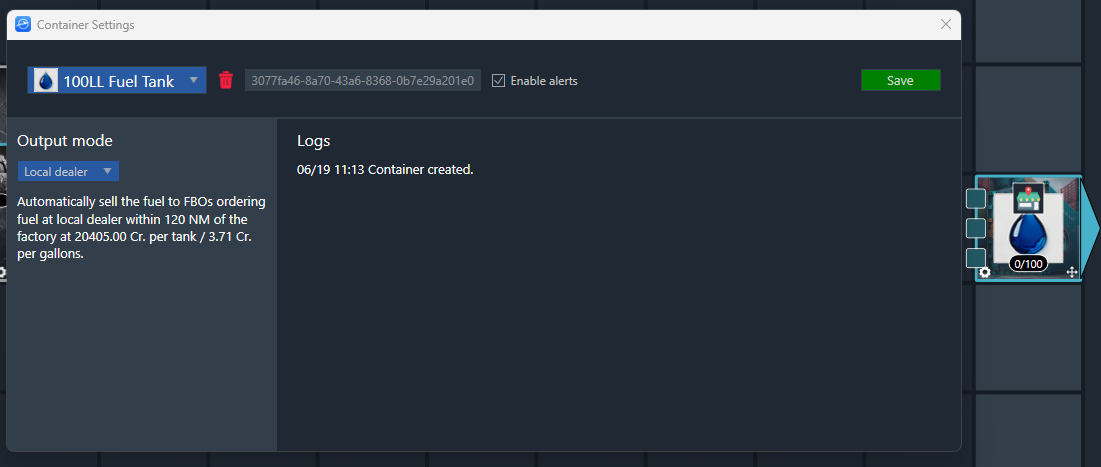
¶ Local Dealer
Each container can only contain one type of good.
Containers and production zones are connected to each other using Links. Square connection points show inputs, Circular connection points show outputs.
¶ Build the Hunting Camp
The Hunting Camp efficiency is directly related to the distance from the nearest established airports, so it’s better to build them at an isolated basecamp instead of an airport, but some small and remote existing airports are also potentially a good place for Hunting Camps to be deployed.
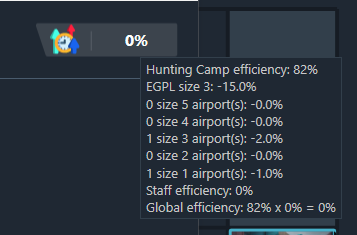
The Hunting Camp global efficiency is computed as follow:
- -5% per airport size where the Hunting Camp is located. (-5% for a size 1 airport, -20% for a size 4 airport for instance). No malus for basecamps.
- -1% malus for each size 1 airport in 50NM range
- -1.5% malus for each size 2 airport in 50NM range
- -2% malus for each size 3 airport in 50NM range
- -5% malus for each size 4 airport in 50NM range
- -10% malus for each size 5 airport in 50NM range
The Hunting Camp efficiency is displayed in the settings window:
To start the construction, you will need to provide the requested materials and some resources.
In this example, you would need:
- 10 sets of Lumber (10 x 150 lbs)
- 2 sets of Steel Bars (2 x 400 lbs)
- 2 Building contractors (2 x 190 lbs)
- 40 industry points (Industry points are earned when you have active production zones.)
You get 50 industry points when you start your company, which is sufficient to build a Basic Hunting Camp.
You will need to buy and bring the resources to the building Airport or Basecamp with any of your aircraft.
When you click on the “Build” button, you will receive a warning message if you don’t have all the required resources available at the airport:
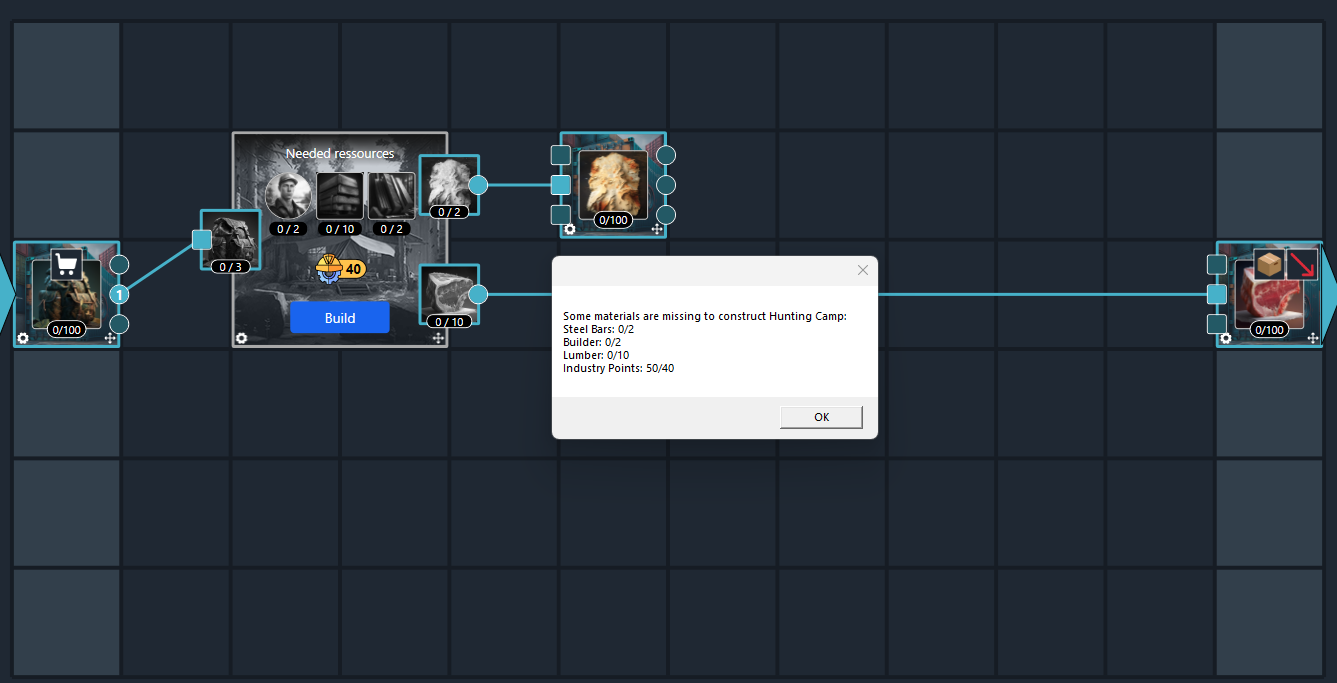
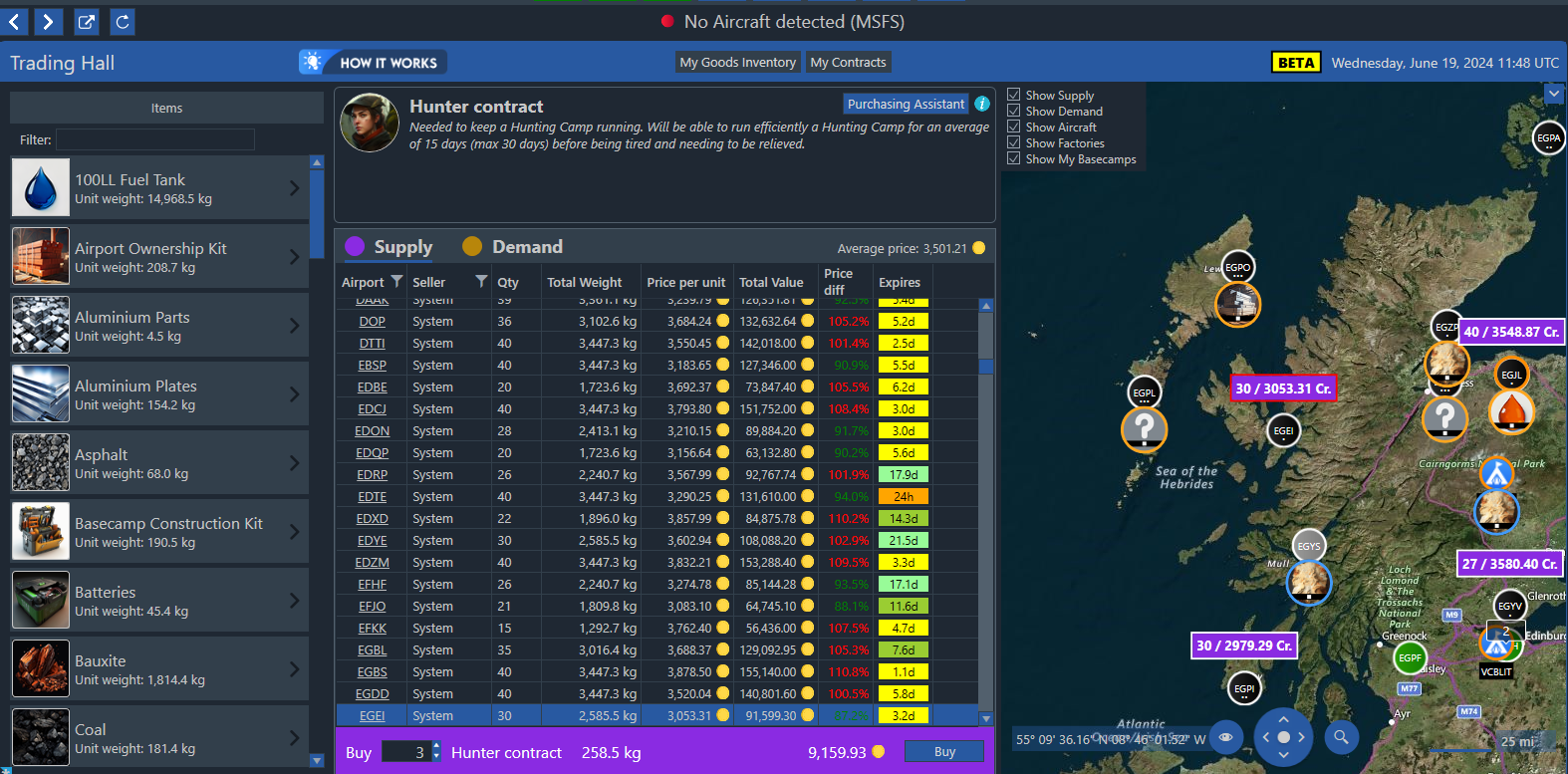
To buy any resources, use the trading hall:
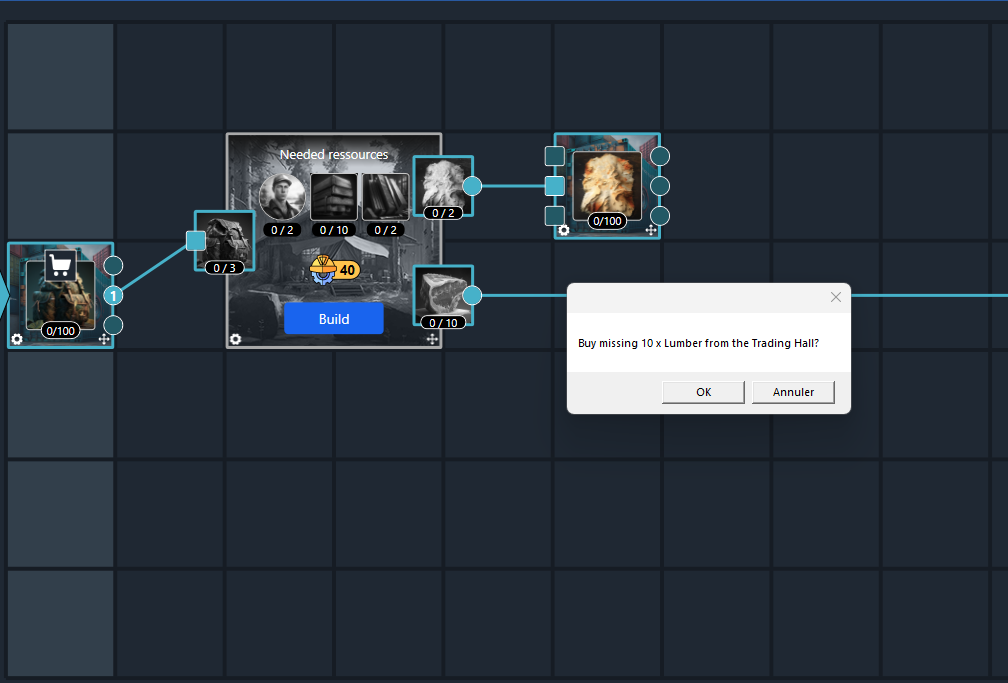
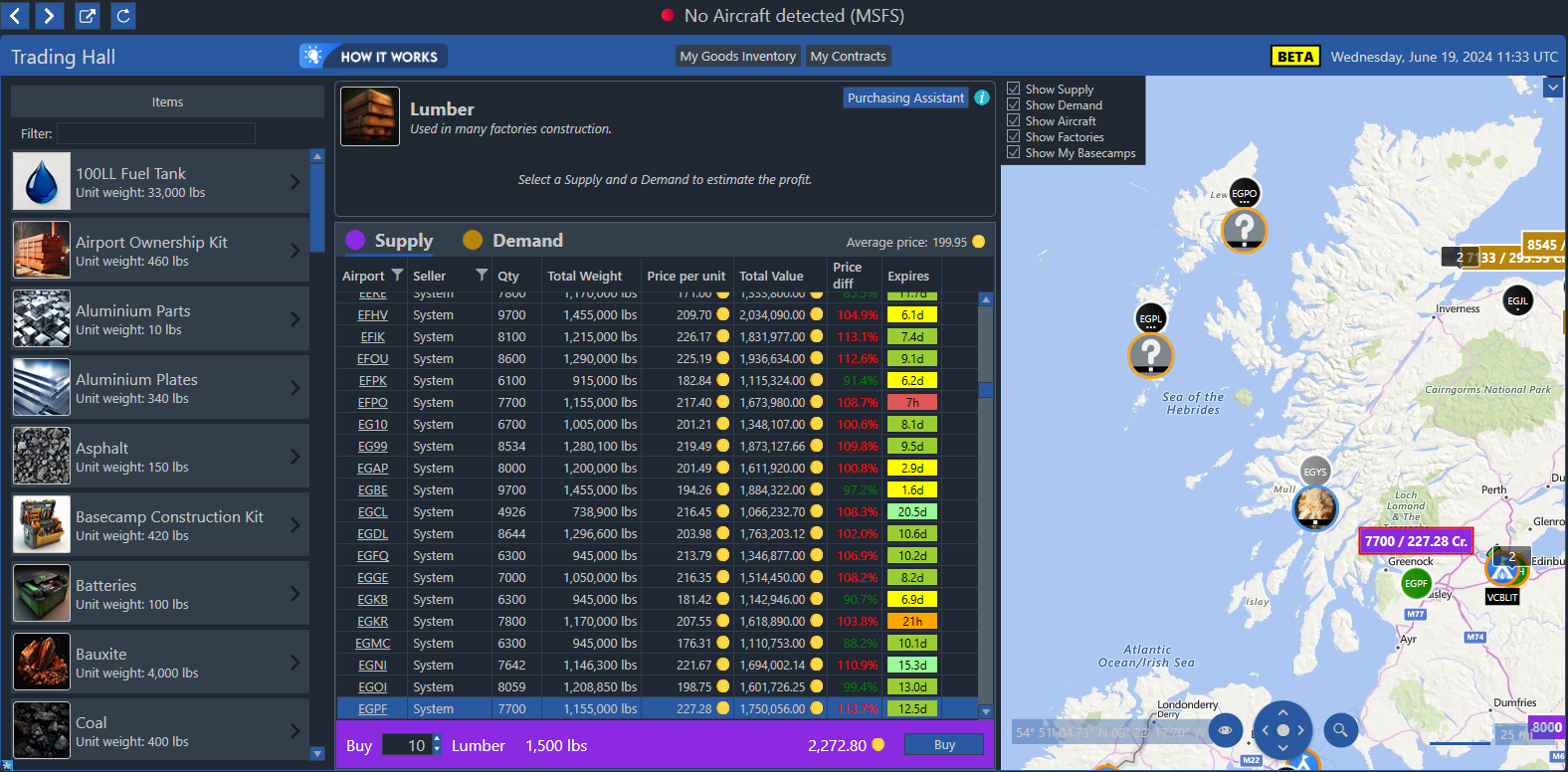
When all requirements for the construction are met, click on the “Build” button to start the construction:
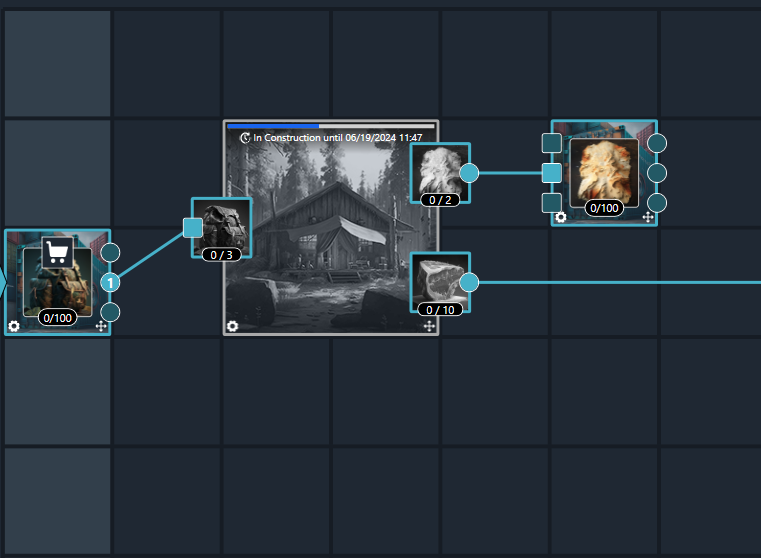
In the case of the Basic Hunting Camp, construction takes 24 hours.
In the meantime, you can buy/hire some Hunters and Hunting Gears that will be needed for the Hunting Camp to run and transport them to your new production site. One Hunting Gear represents all the equipment that a single hunter will need for one day of production
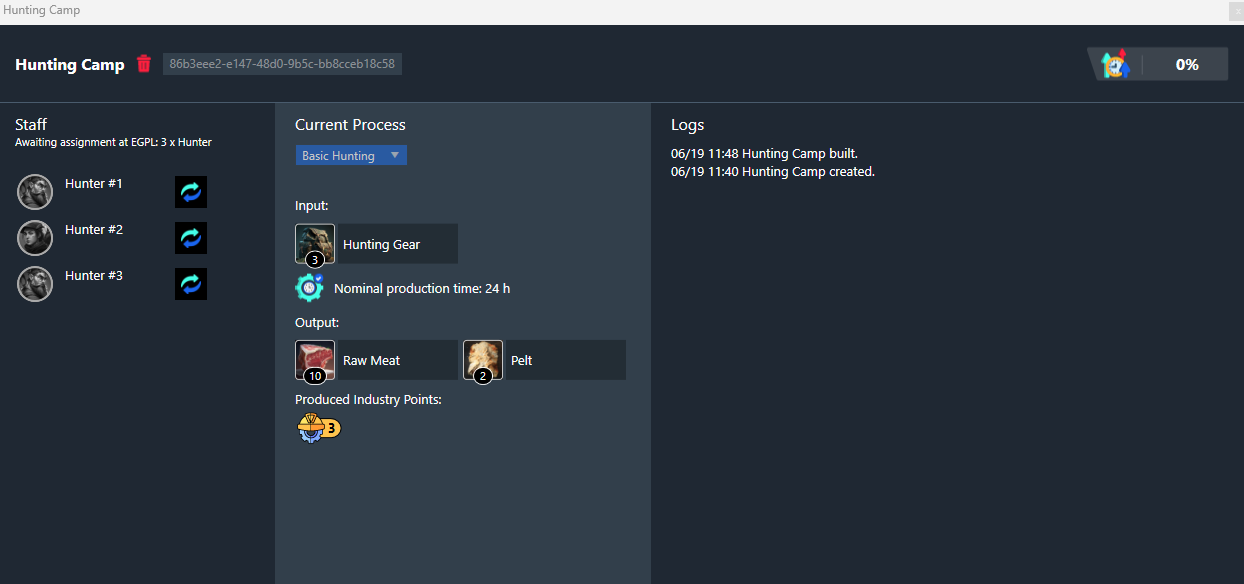
When the construction is finished, you need to assign Hunters present at your Basecamp or Airport to the Hunting Camp:
Click on the setting icon:
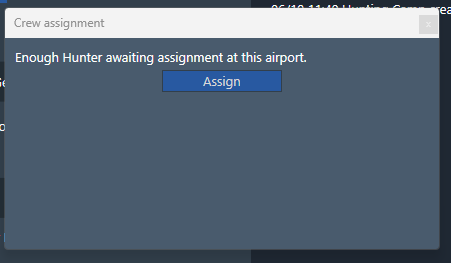
And click on the assign button:
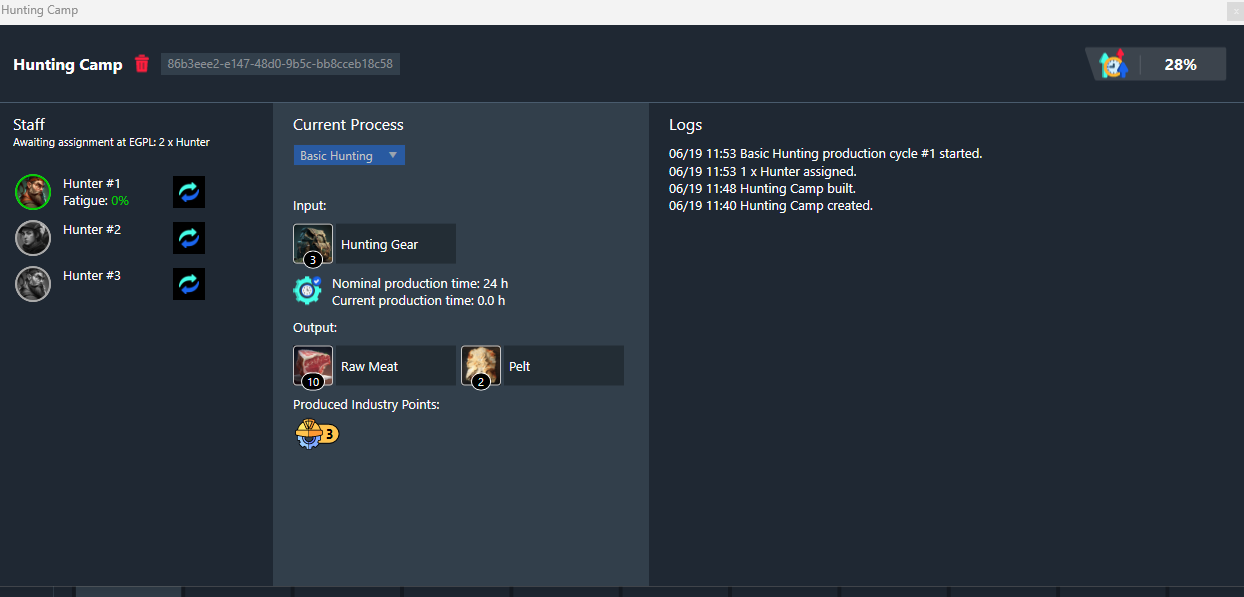
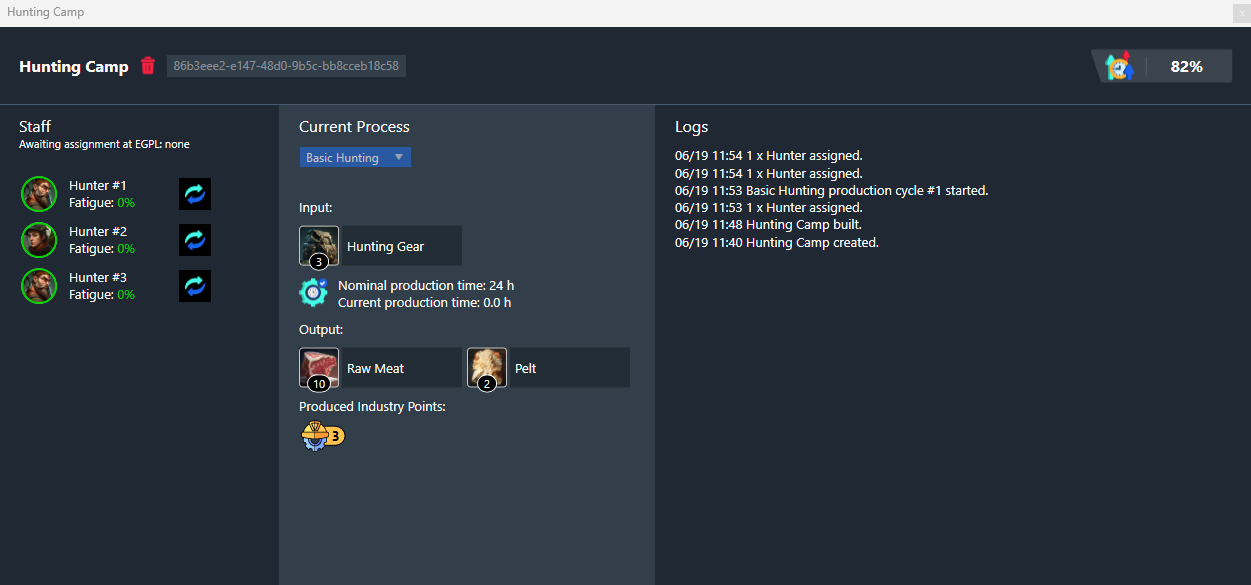
An assigned slot in the Hunting camp will change colour from green to red, depending on the fatigue level of the hunter. All unassigned slots will appear grayed-out.
82% efficiency
¶ Running the Hunting Camp
Any staff working will need 1 Food ration per day, except the first day where they are assumed to have eaten before arriving to work.
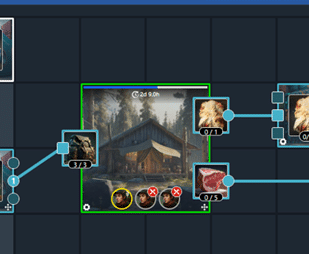
In this example, we have 2 workers that didn’t receive their daily food provision and thus stopped working:
You will need to buy (or produce) Food rations and bring them to the Airport or Basecamp.
You can click on the shopping cart icon to be redirected to the Trading Hall:
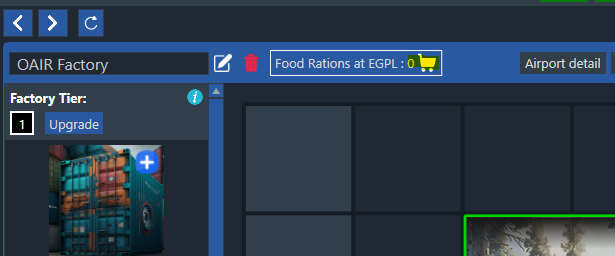
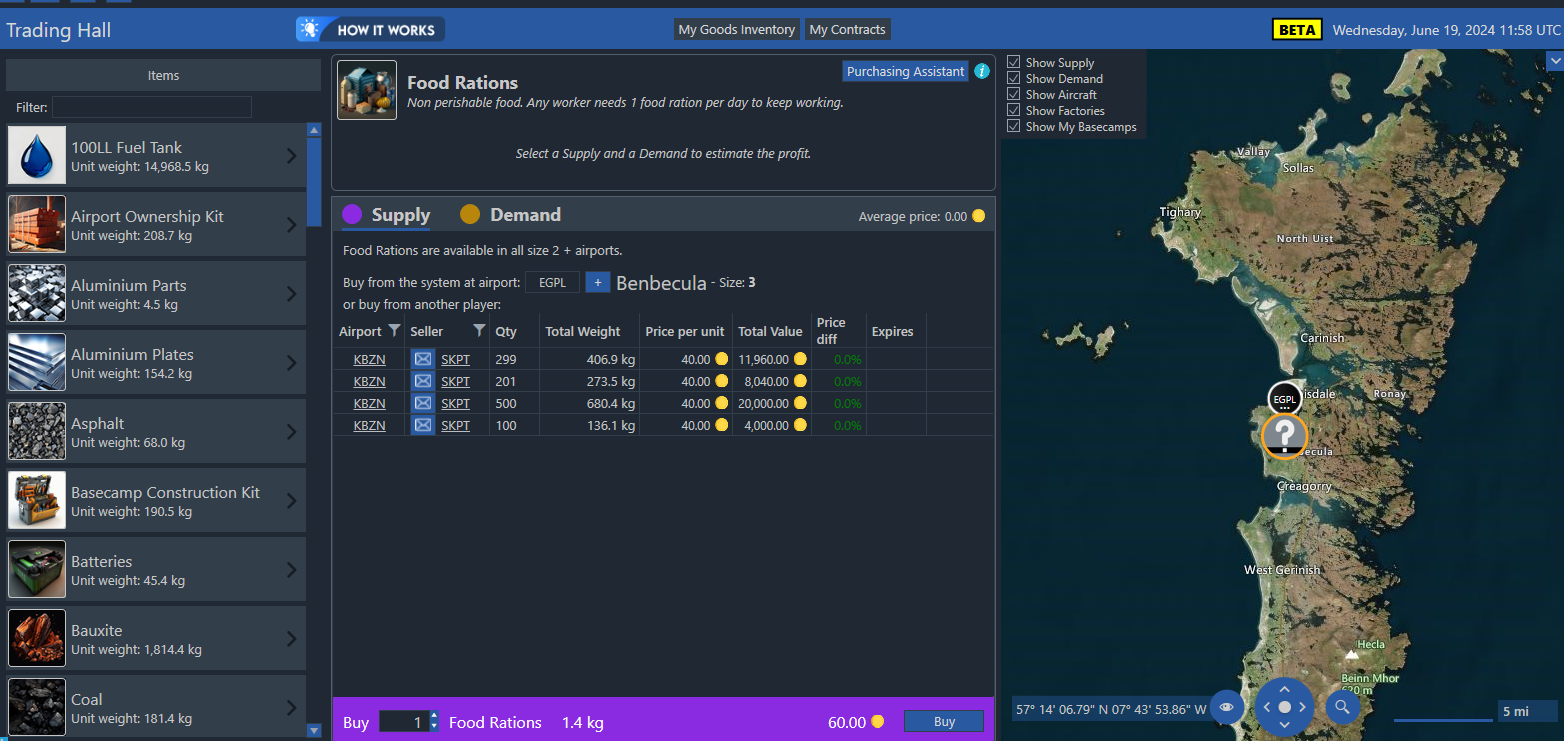
Once the food container contains Food Rations, they are automatically distributed to the hungry staff.
Hunter are able to run efficiently a Hunting Camp for an average of 15 days (and will become completely exhausted after 30 days) before being tired and needing to be relieved.
Note that Unspecialized Workers (used in tannery and meat smoker) and Food Rations are directly available on any size airport of size 2 or more.
The relief time depends on your preferences, but the sweet spot is currently around the 60% fatigue level.
To access the settings of a Production Zone or Container, click on the Settings button (the small cog) at the bottom left
In this screen you can change the current process of your production zone (in this first step we only have one process named Basic Hunting). The input and output of the process are displayed. The Industry Points amount generated by each production cycle is displayed at the bottom of the screen.
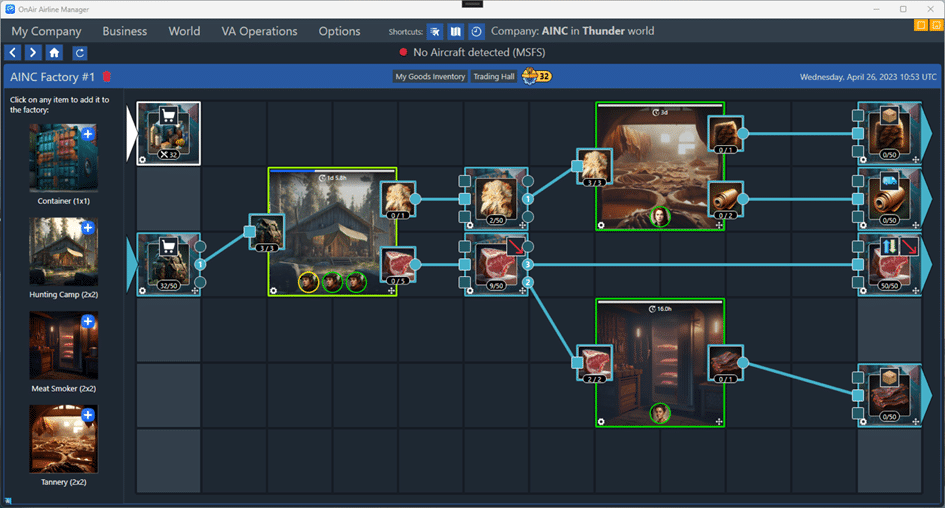
An example of a more enhanced Hunting Camp based factory: