Start a sightseeing mission in a normal way. Before starting tracking, you can send your sightseeing route directly to Microsoft Flight Simulator 2024.
- Start MSFS 2024 and go to the Free Flight menu
- In OnAir, click “Send direct flight plan to sim”
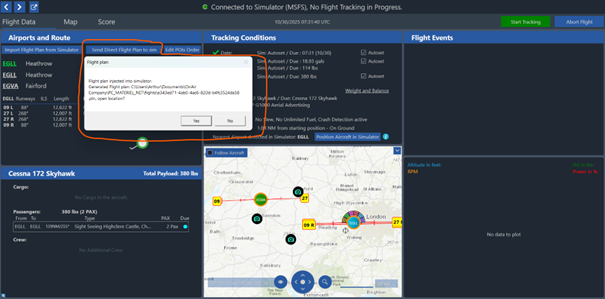
- OnAir sends the route through SimConnect and also creates a
.plnfile at the configured location.
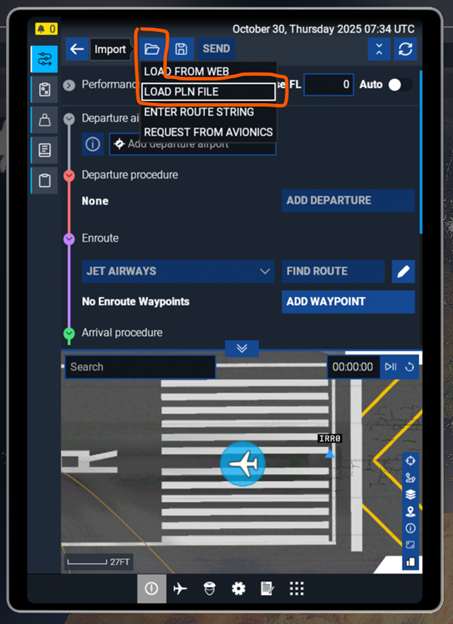
💡 Because SimConnect’s flight plan injection can sometimes fail, we recommend importing the
.plnmanually via your MSFS EFB.
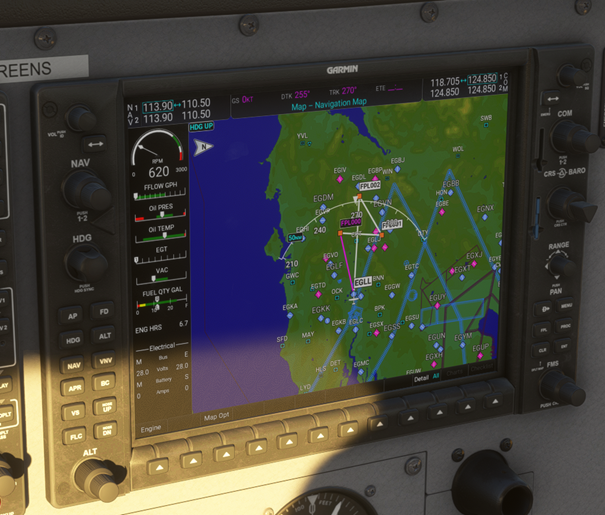
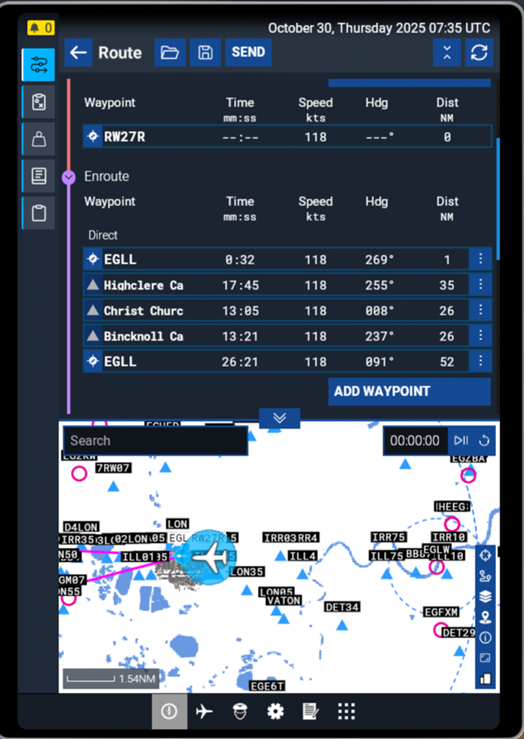
Once the plan appears in MSFS, you can Start Tracking in OnAir and begin your sightseeing tour.